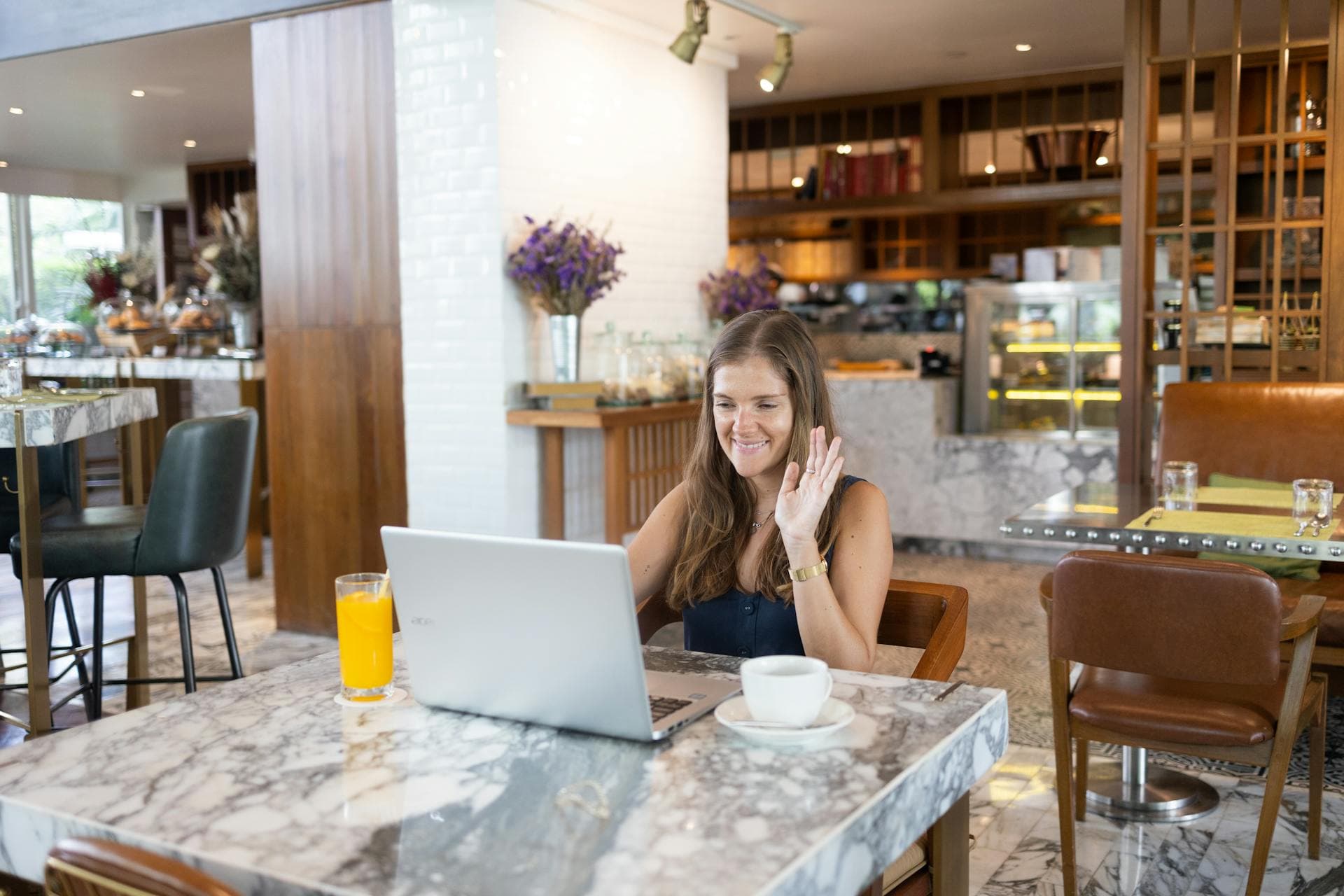
Quick‑start session
We set Tavolo up together with you
In a session of 15 to 30 minutes we configure Tavolo for your restaurant and put the booking widget straight on your website, so the first reservations can come in quickly.
We set up your profile, your tables and your booking hours together, to match how you actually work.
Lead time, party sizes, confirmations and SMS against no‑shows, all tuned to your day.
We embed the booking widget on your site. You do not have to write any code.
We make a test booking together, and after that real guests can reserve straight away.
Nothing. The session is part of what we offer: we set Tavolo up together with you so you are ready quickly.
Usually 15 to 30 minutes. If you want to go deeper into one topic, we take the time.
Ideally the rough facts: number of tables, your usual peak times and access to your website, or who looks after it. We bring the rest.
Of course. The confirmation lets you rebook or cancel at any time; a restaurant day is flexible too.